Damaged documents,
readable again
Docovly repairs faded ink, tears, water damage and foxing across sixteen document families - then reads the page back and checks it against its own arithmetic. What it cannot resolve, it tells you.
Free to start. No card, no watermark, original always kept.
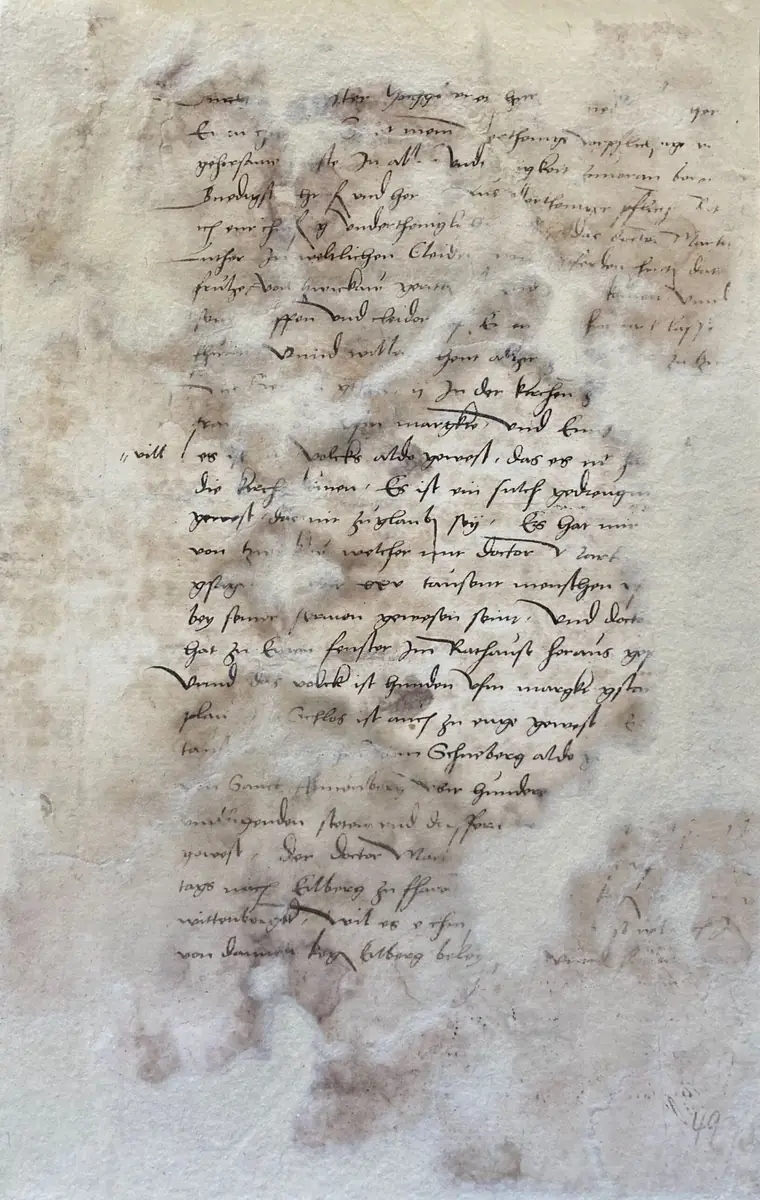
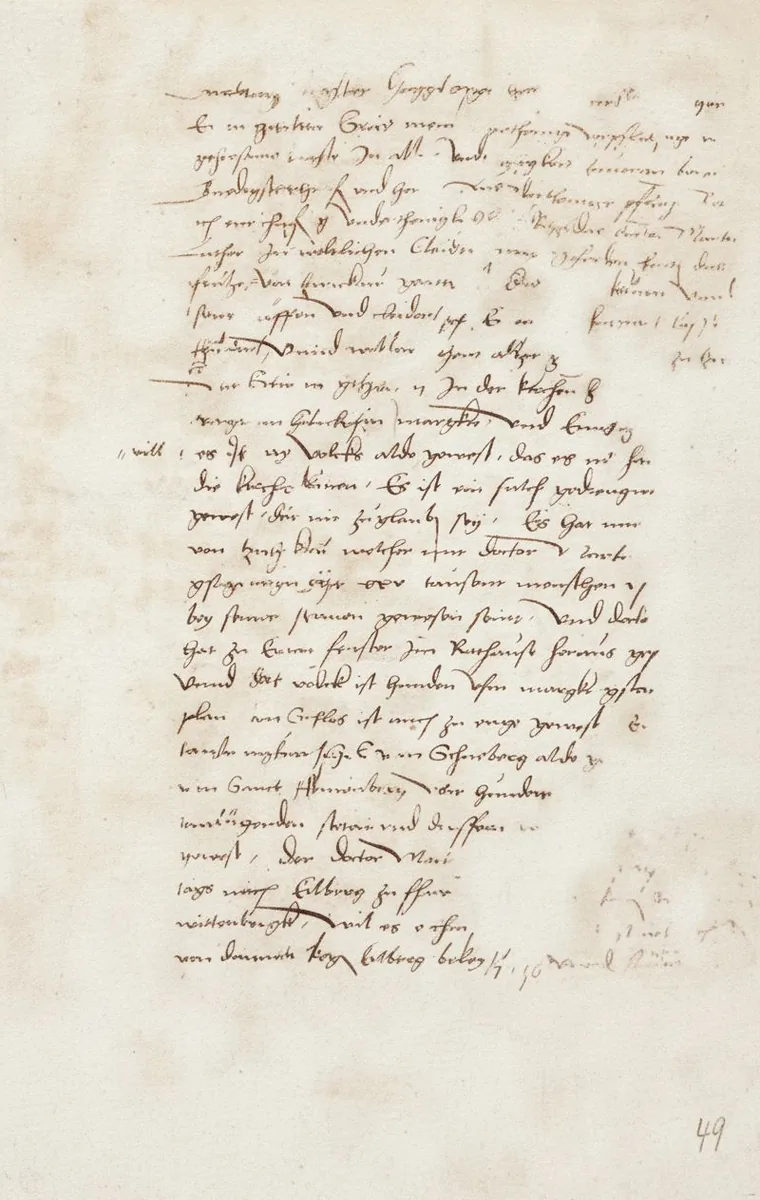
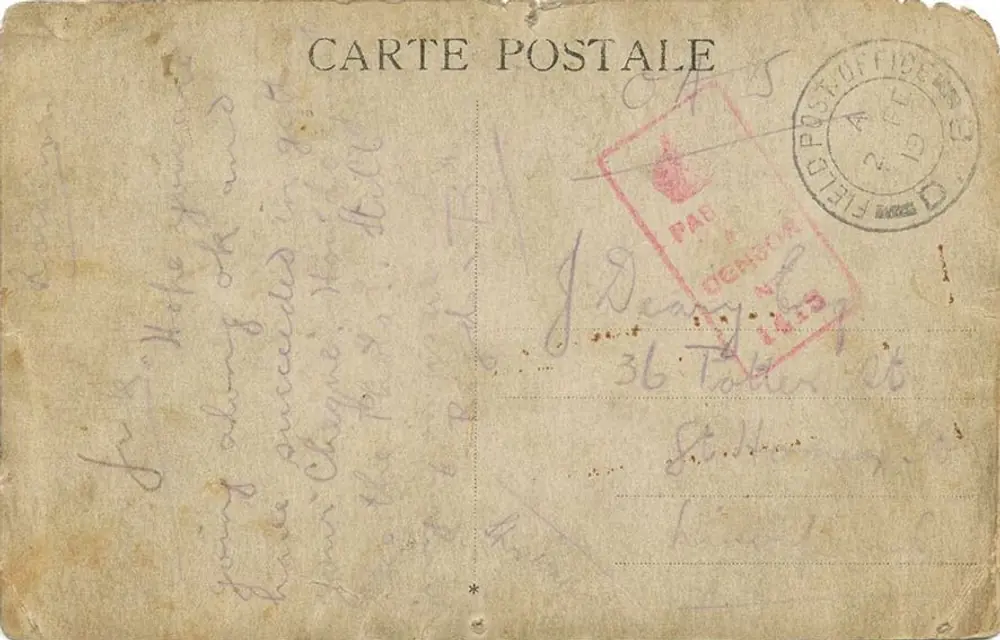
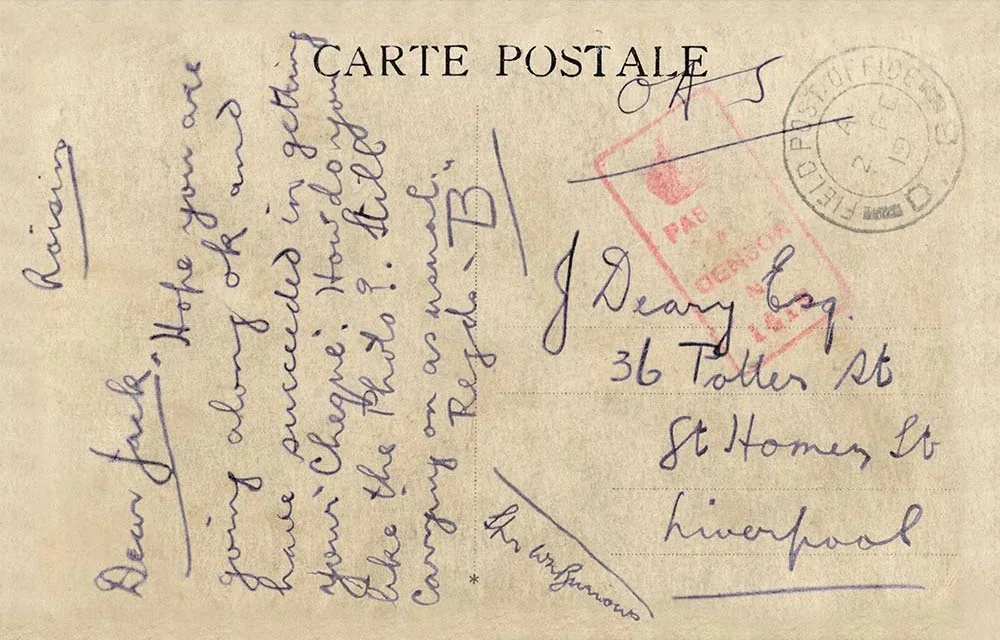
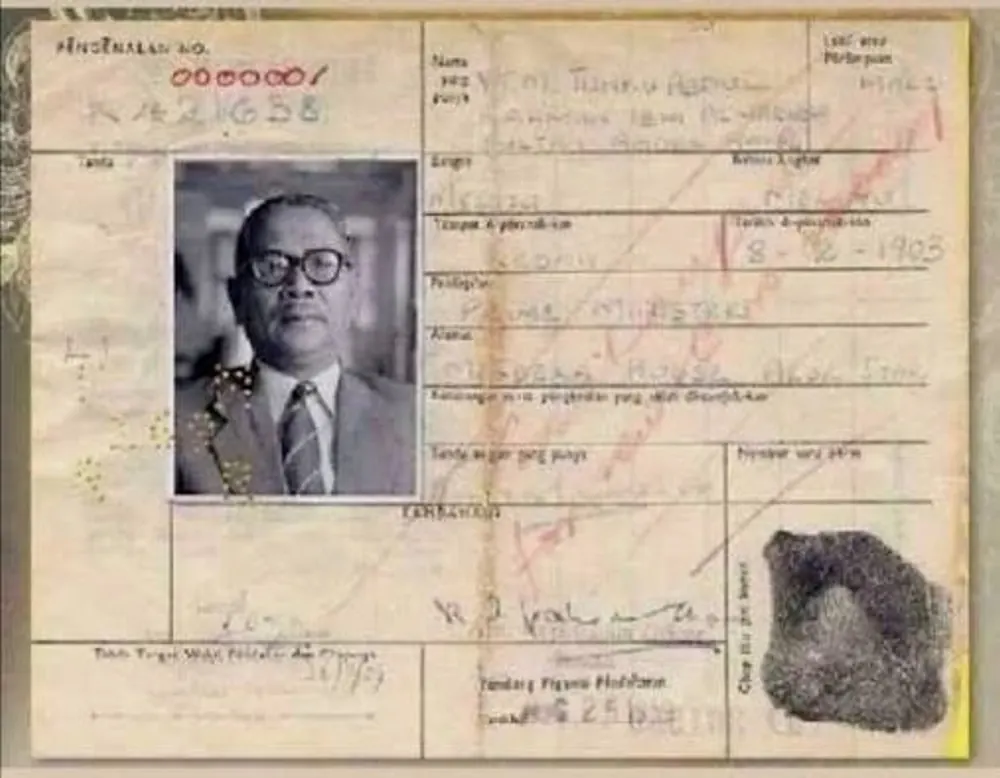
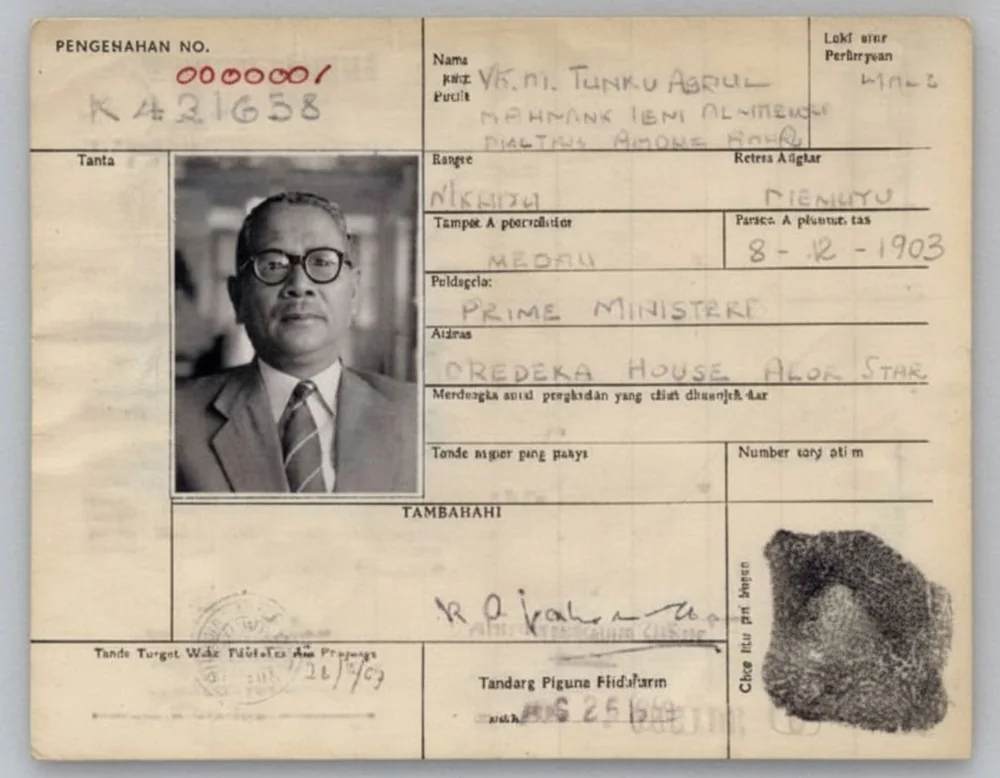
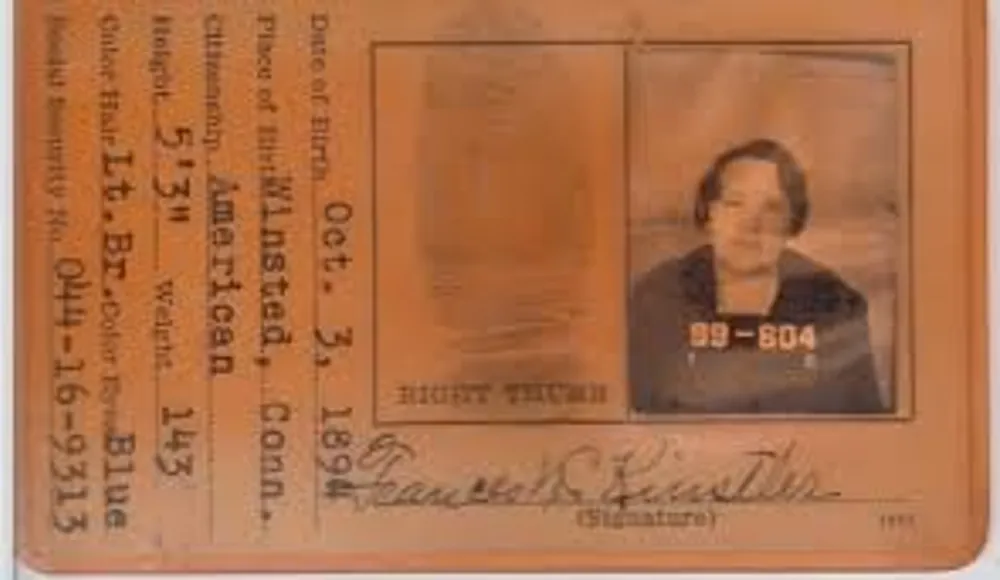
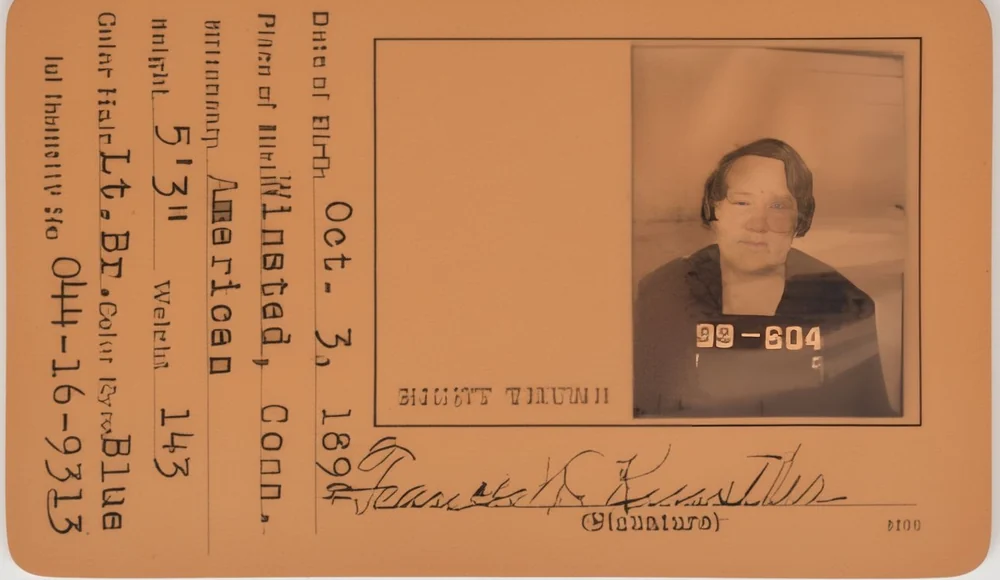
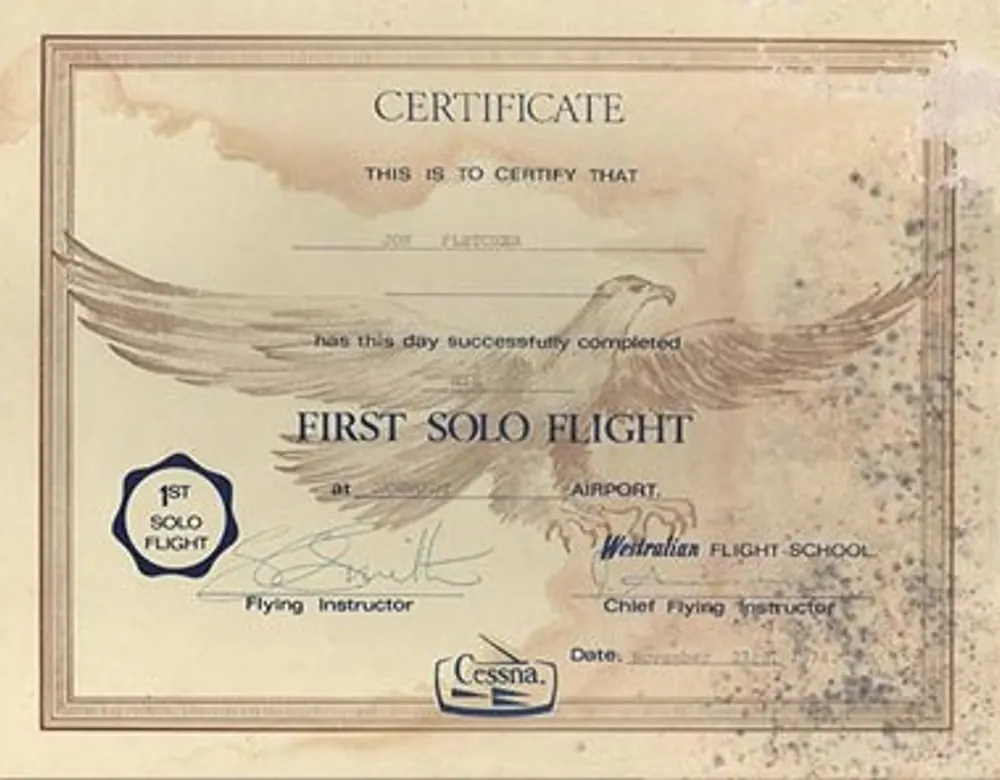
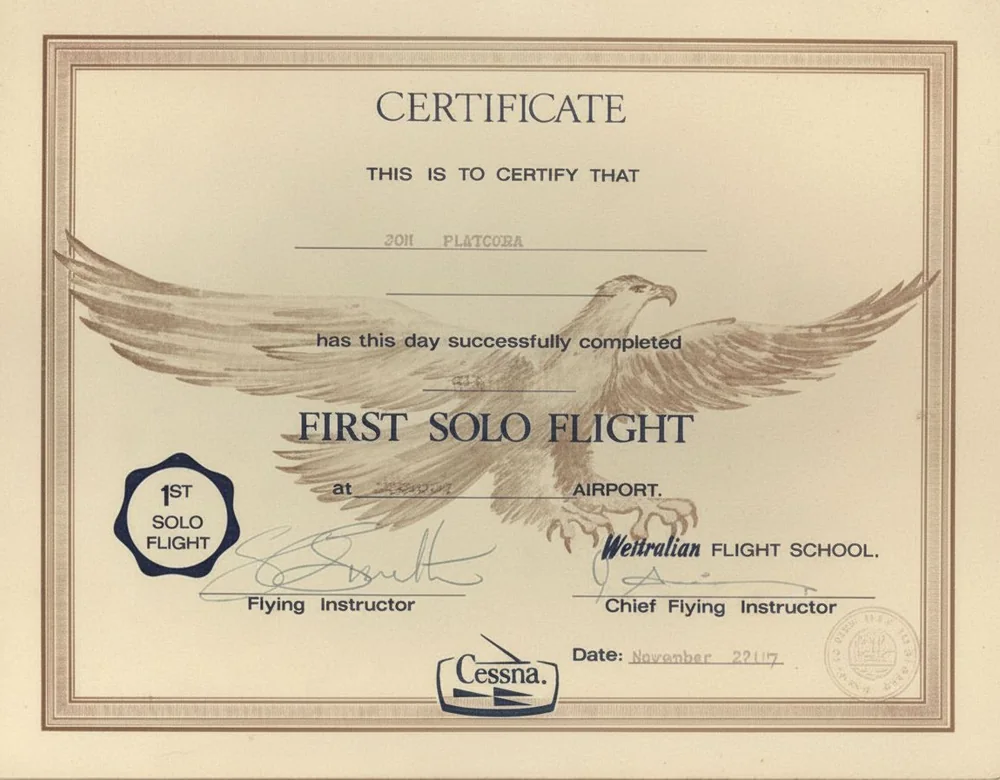
Quick Restore
Three steps. Choose how careful it should be, add your files — images, PDFs or Word documents — and get them back clean and readable at exactly the size you sent them.
Quick Restore
One decision, then your document back
- 1UploadYour document, any format
- 2RestoreOne pass over every page
- 3ResultDownload, or take it further
How careful should it be?
The only thing to decide. Everything else is handled for you.
Filed here when the job is delivered. You can change it later.
What this will do
- Faded and washed-out text brought back to full strength
- Stains, foxing and water marks cleared from the paper
- Creases, folds and their shadows flattened out
- Ink bleed and show-through from the reverse removed
- Uneven lighting, glare and shadows evened up
- The page squared, and returned at exactly the size you sent it
Nothing is ever completed, corrected or invented — an unreadable word stays unreadable rather than being guessed at. Every step can be undone afterwards.
The dashboard itself, driven by a script. Every before and after shown is a real Docovly restoration, run through the engine the product uses.
The folder in your bottom drawer, or a strongroom with a catalogue. Same engine, same care, same price per page — whether it is one certificate that matters to one family, or ten thousand deeds that matter to a county.
and the places where a misread character costs something
Four stages, start to finish
Survey the damage, take the pages in, restore them one at a time, then read the result back and check it. About a minute a page.
Condition survey
3 of 15Paper tone
Standard
Five kinds of damage, lifted from the page
Every plate below is one genuine document, scanned before and after. Drag the handle - the seam is a real restoration passing across the page, not a picture fading into another.
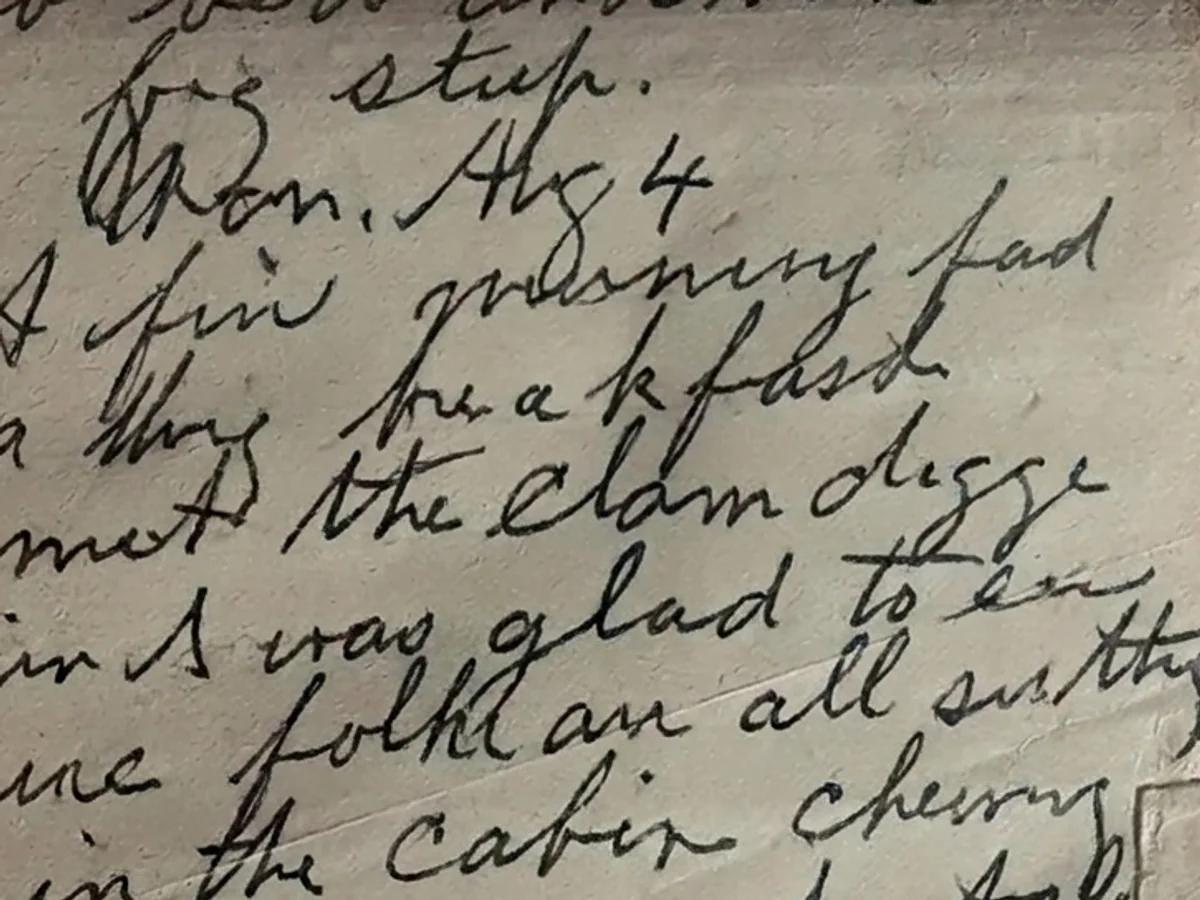
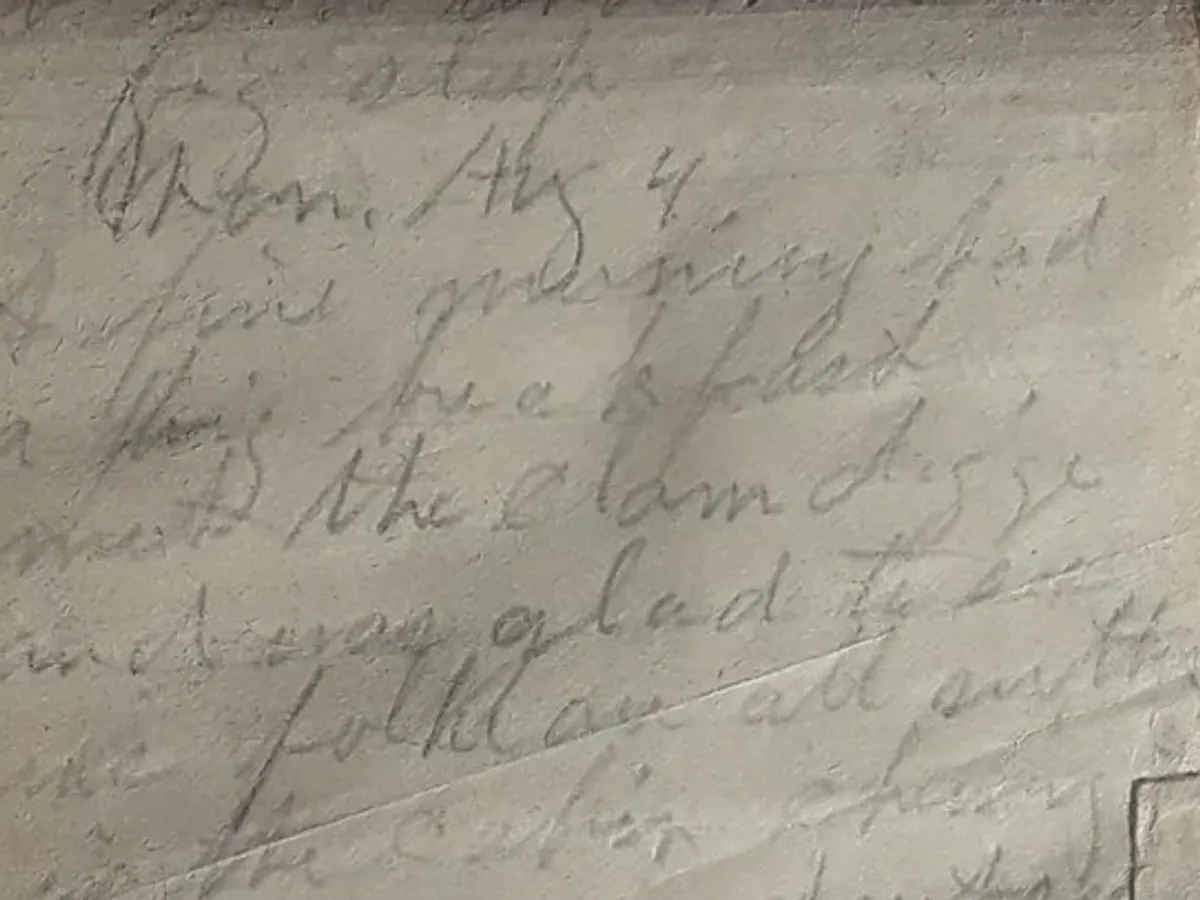
Ink brought back, letter by letter
A hand-written page washed out to a grey ghost, recovered to readable contrast at stroke level - no letter thickened, none invented. What could not be read with confidence is flagged, never guessed.
- Stroke-level recovery, not a contrast slider
- Letterforms preserved, never re-set
- Thermal, toner, pencil and fountain ink
- Unrecoverable regions reported, not filled
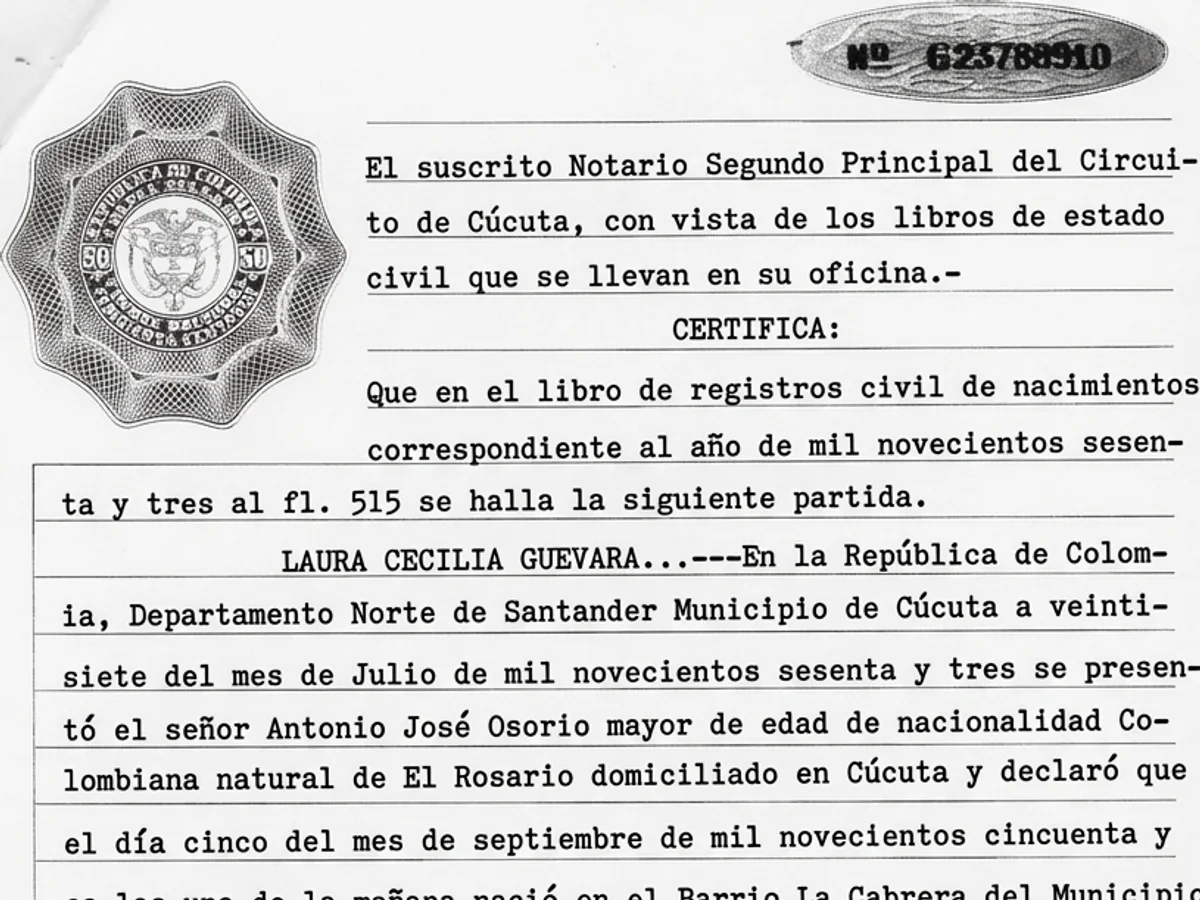
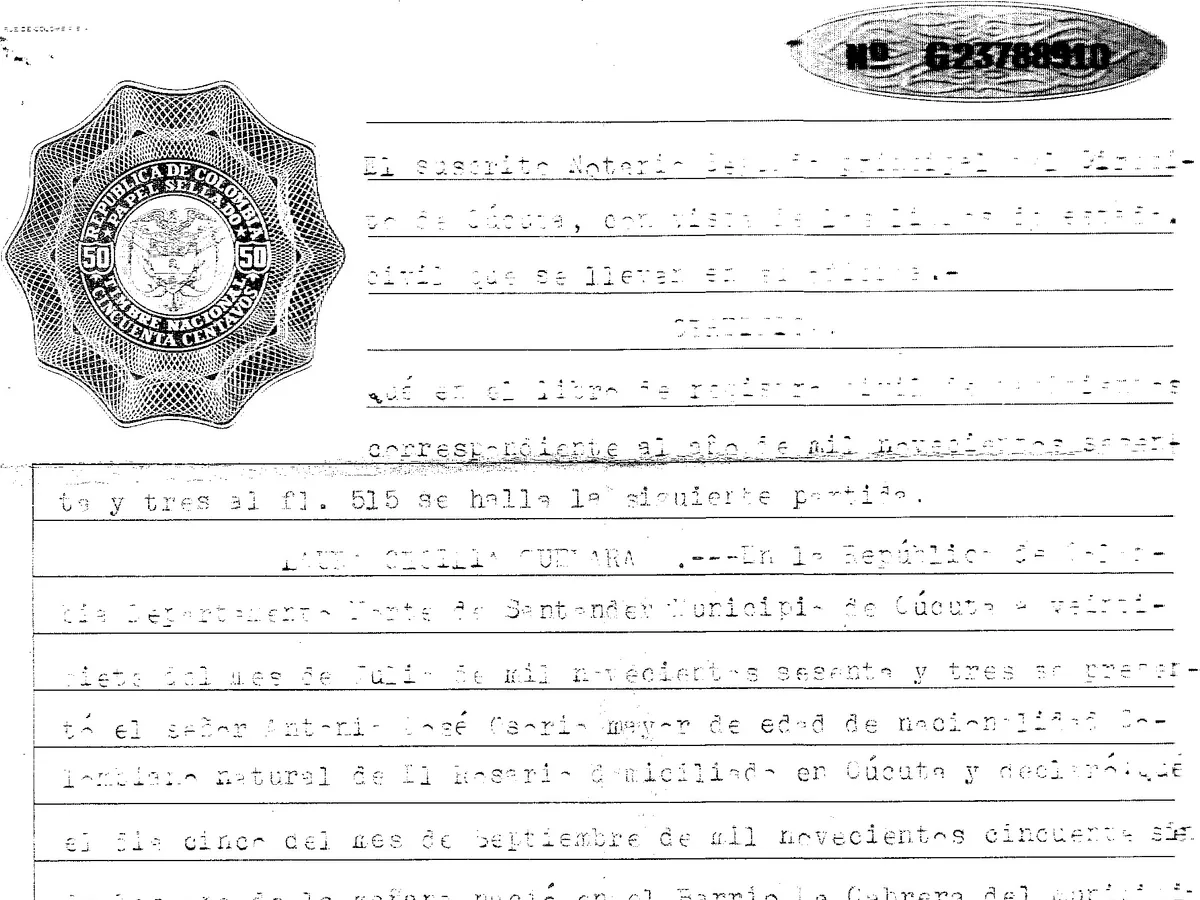
Broken print made whole again
A notarial certificate typed sixty years ago, its characters crumbled to fragments, recovered to a clean even page. Bright edges are left alone while the washed-out centre is brought back to match.
- Whole sheets recovered to one even tone
- Intact areas never over-corrected
- Typescript, carbon and duplicator print
- The untouched original always kept
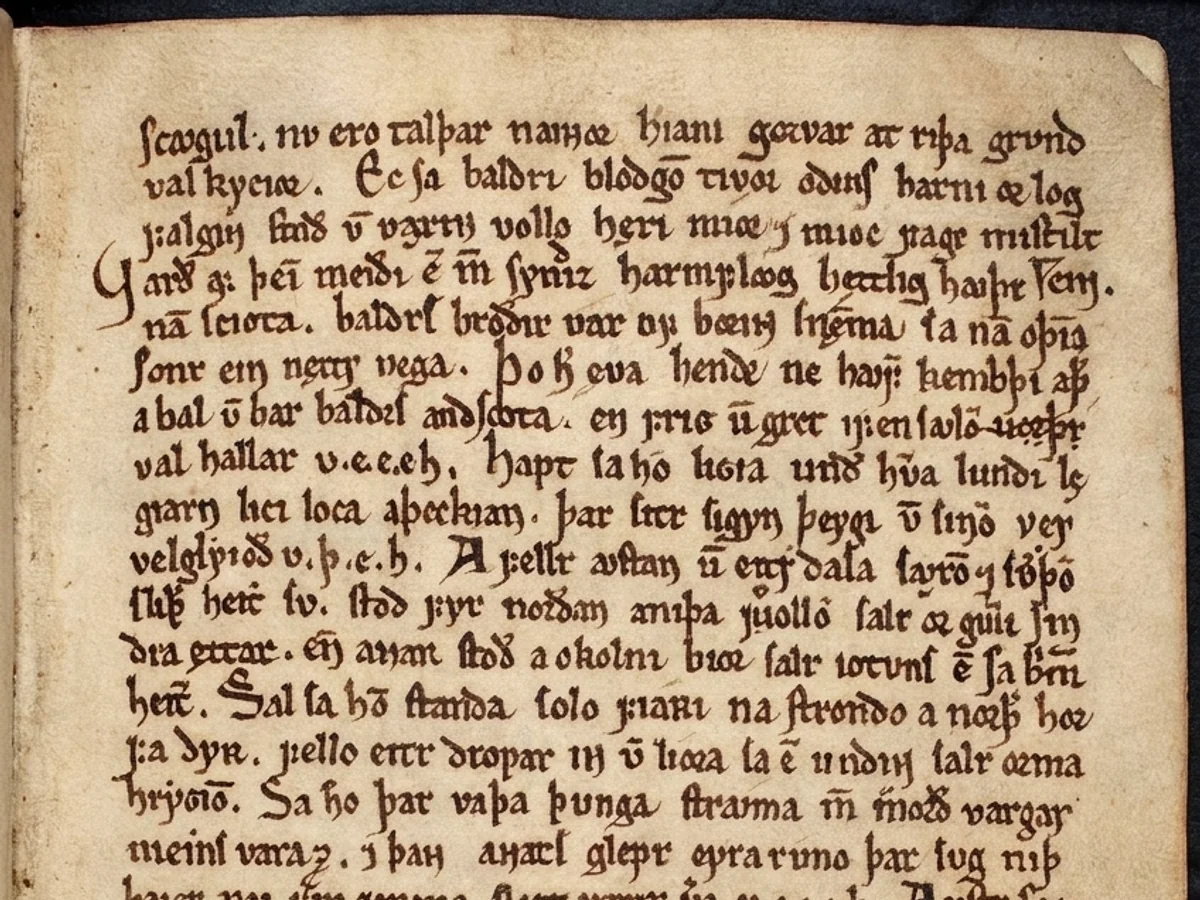
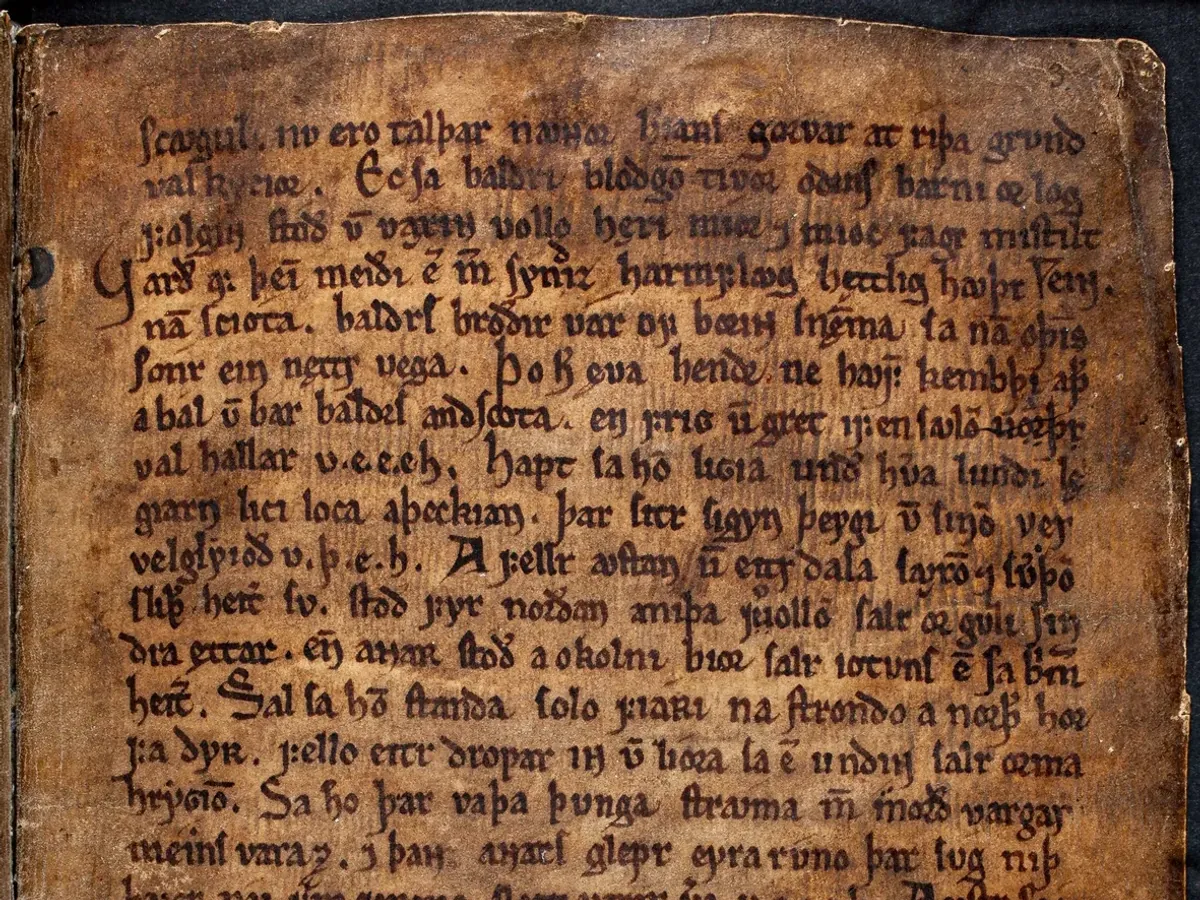
Centuries of age lifted from the leaf
A darkened manuscript leaf, brown with grime and handling, cleaned back to legible parchment while the hand, the ruling and the character of the page are kept exactly as they were.
- Yellowing, grime and speckle removed
- Paper grain and texture preserved
- Marginalia treated as content, not dirt
- Deckle edges never squared off
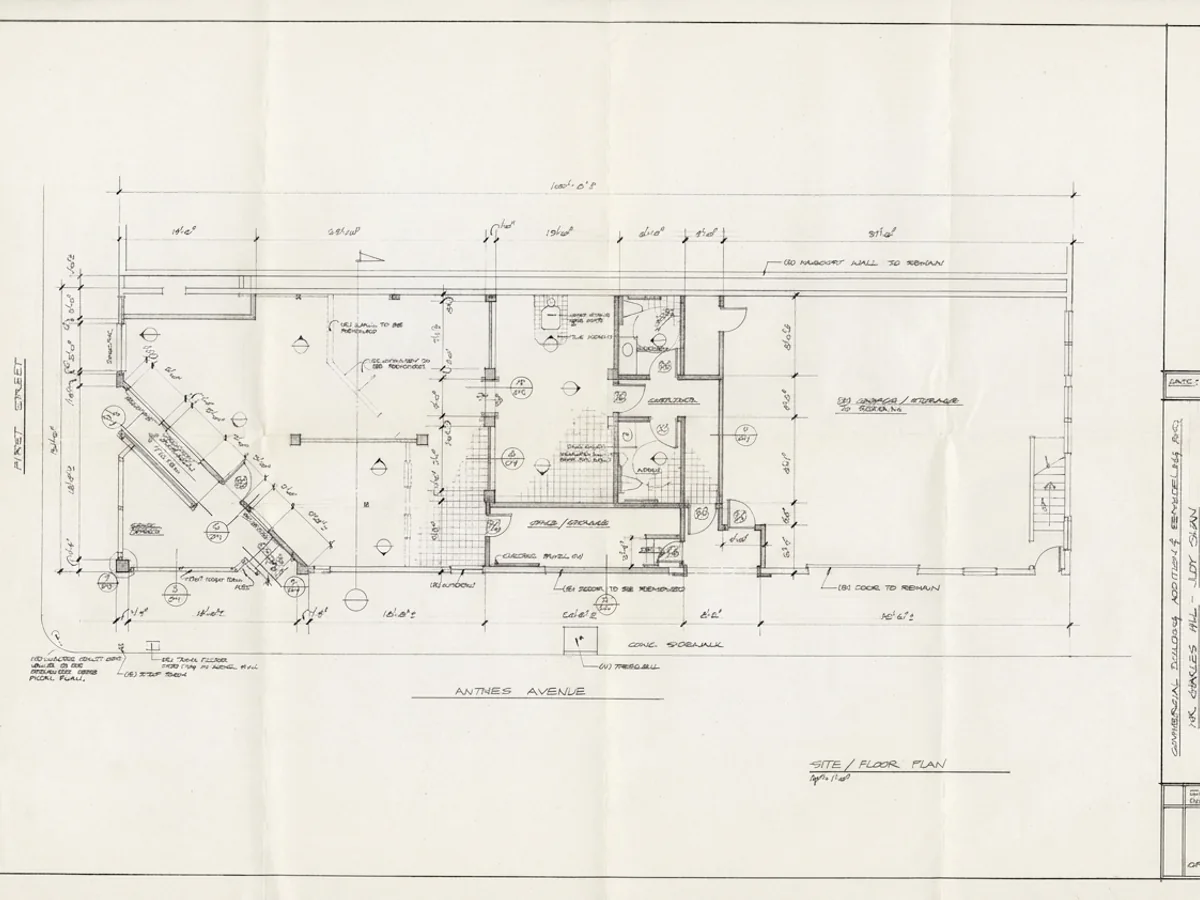
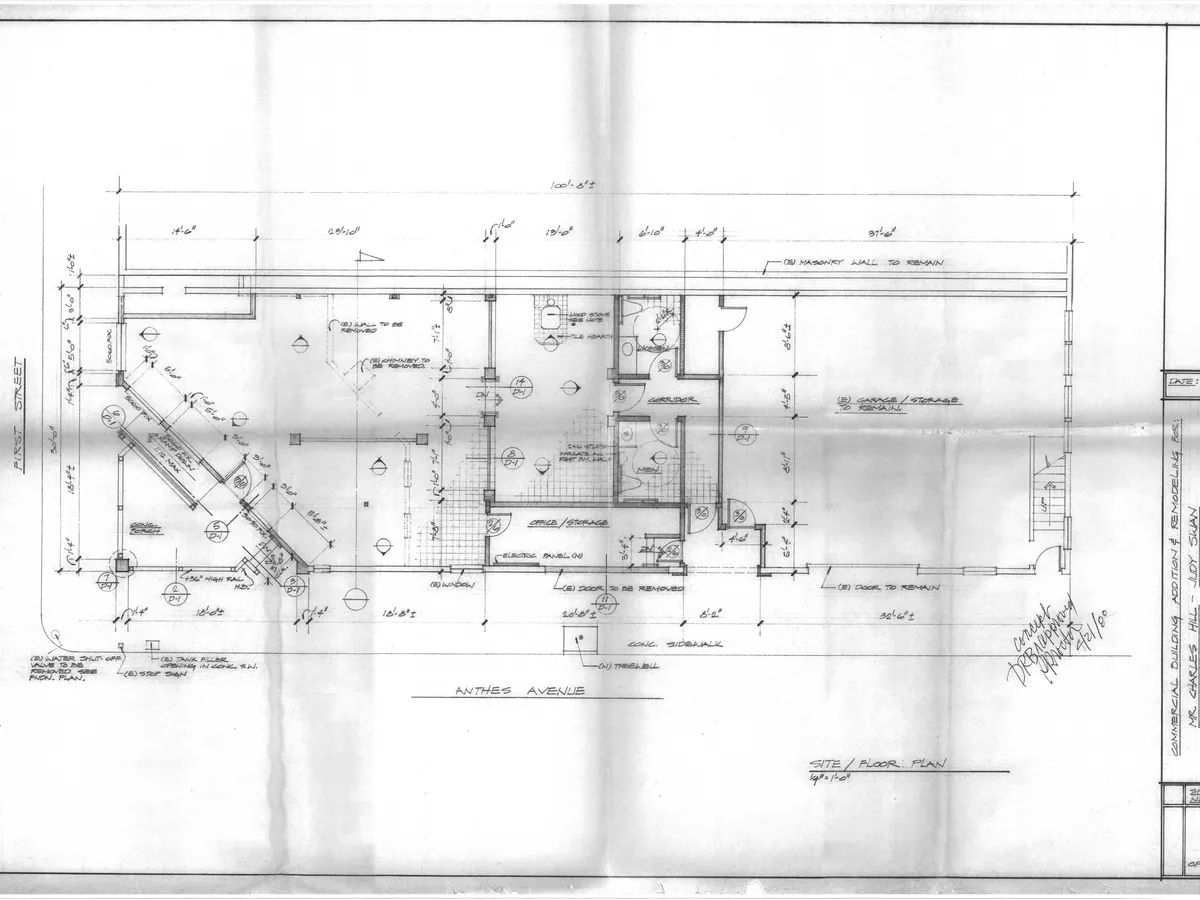
Tide lines cleared from around the ink
A working drawing marbled with damp shadow and tide staining, cleaned from around the linework rather than through it, so every dimension and annotation survives the wash intact.
- Damp, mould and tide lines lifted
- Ink density measured, then preserved
- Cleaning strength set per region
- Foxing removed without bleaching text
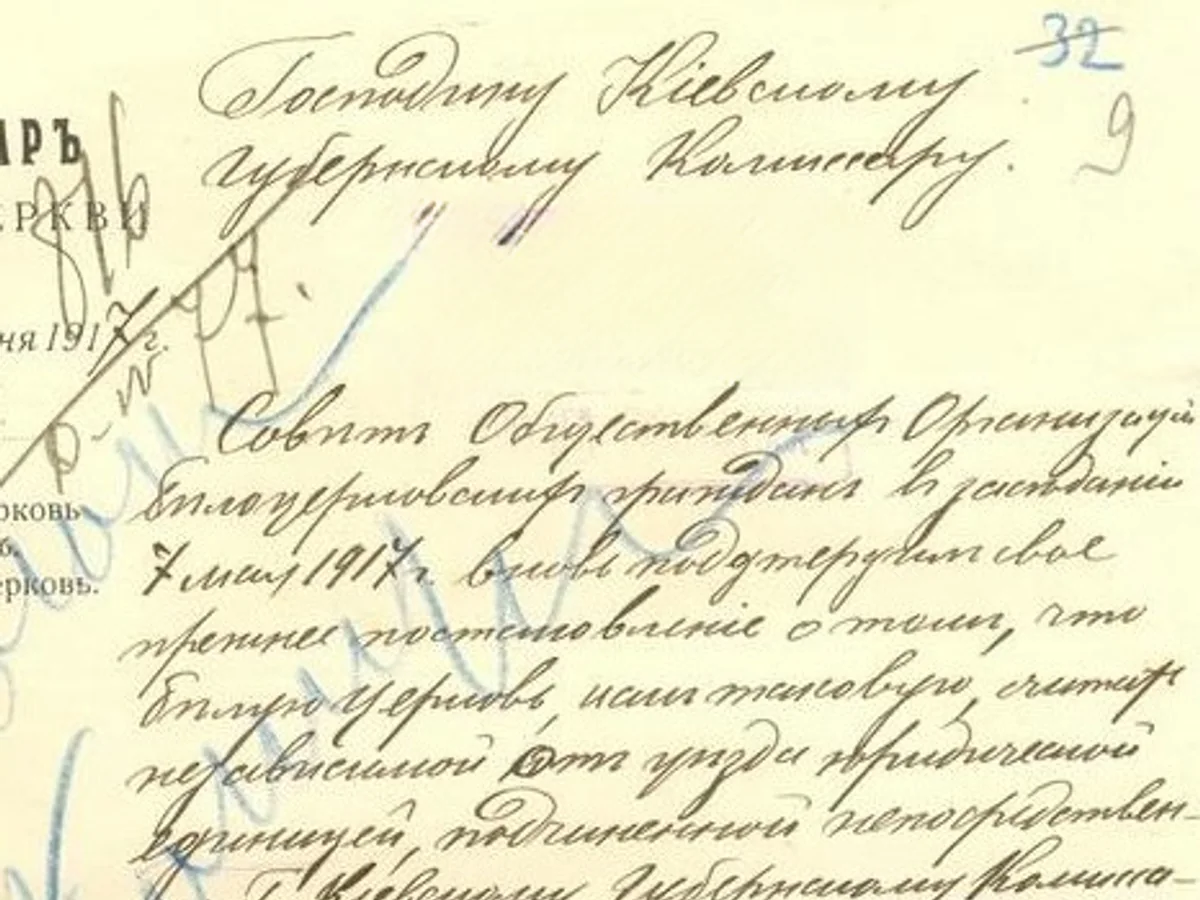
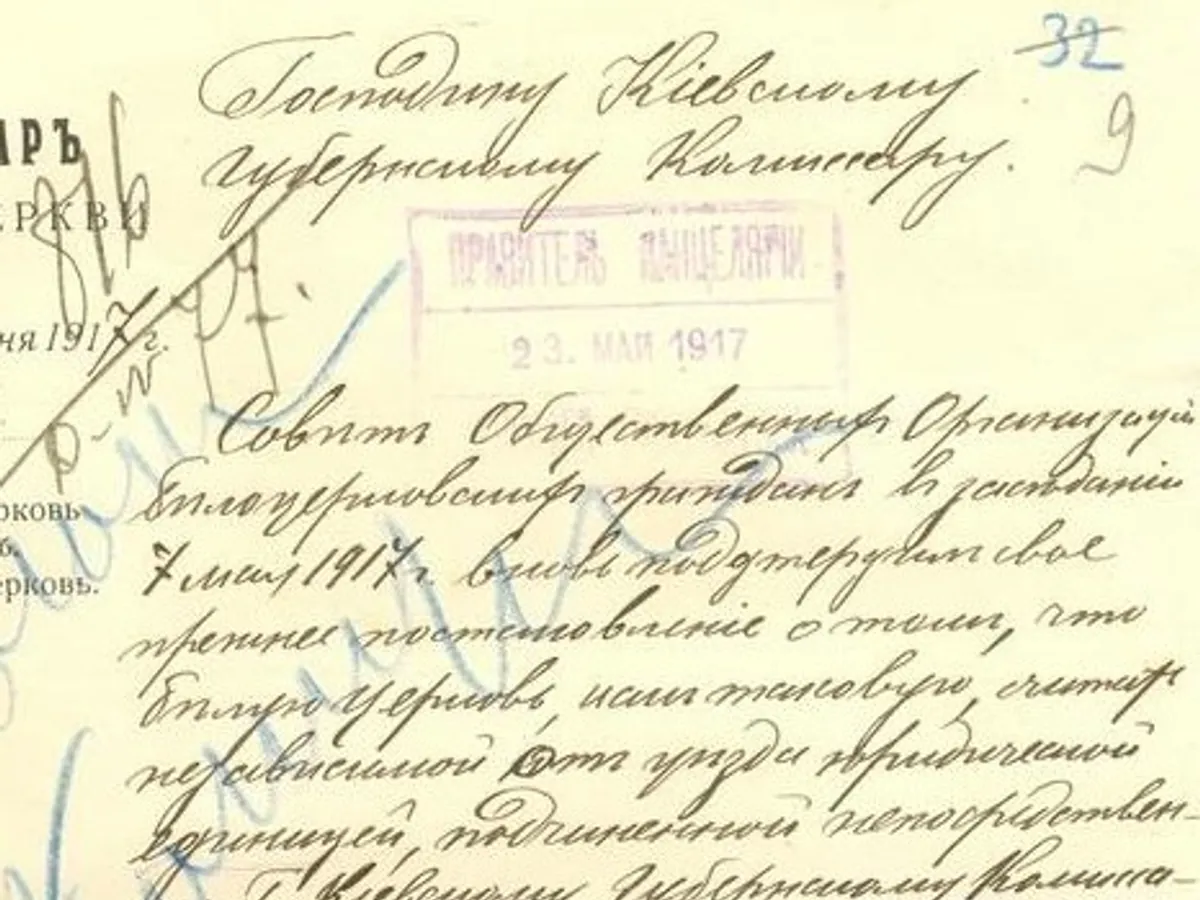
A later stamp lifted off the record
An office stamp printed straight across the text, cleared away to read what it was hiding - or held in place untouched when the mark is part of the record. You decide which stamps stay and which lift.
- Overprinted stamps and haze cleared
- Authentic seals held and composited back
- You choose what is record and what is noise
- Delivered marks stay the originals
Sixteen consoles, one per document family
A prescription and a survey plan fail in completely different ways, and the checks that make each one safe have nothing in common. So each document family gets its own console rather than a shared upload box with a dropdown.
The interesting part is
what it refuses to do
Any model asked to restore a damaged page will produce something confident and complete. On a will, a prescription or a deed, that confidence is the failure mode - not the feature.
These four rules are enforced by how the pipeline is built rather than by instructions given to a model, which is the only kind of guarantee worth putting in writing.
How verification worksMissing text is never invented
Paper, rules, borders and security patterns are rebuilt from the surviving sheet, because their structure is fully determined. Text that existed only on a missing piece is marked as a loss - the way an archivist would mark it.
Seals and signatures are composited, not generated
Held regions never pass through a restoration engine at all. They are excluded, then copied back from the original with a feathered edge - so an institution can state that the marks on a delivered sheet are the originals.
Uncertain values are withheld and marked
Every captured field carries its confidence and its source crop. Anything that fails its check digit, its column total or its second reader is withheld into its own export column, so a blank never passes as a clean read.
The original is never overwritten
Every treatment lands as its own revertible version. The untouched capture stays in the job for as long as the job exists, which is what makes a provenance record possible at all.
Fifteen ways paper fails, and what happens to each
People do not search for a console. They search for the damage in front of them - faded text, a tear, a water mark, handwriting nobody can read. Each of these runs across every console that needs it.
Repair damage
Clean the page
Recover & deliver
Faded Text Repair
Rebuild faded ink, toner and thermal printing to readable contrast without thickening or reshaping a single letter.
Handles
What it will not do
- No character is added where no stroke evidence survives
- Typeface weight and letterforms are preserved, never re-set
- Unrecoverable regions are reported rather than filled in
Built wide, because damaged paper does not specialise
16
restoration consoles
one per document family
161+
document types
each with its own format rules
15
restoration capabilities
damage-first, not tool-first
6
storage integrations
read-only, set up once
Proof from the field, and notes from the bench
How real deployments hold up to a sector’s own standard for a trustworthy record - and what we have learned putting damaged paper through the pipeline.
Frequently asked questions
What Docovly repairs, what it verifies, and what it deliberately refuses to do.
Have a document you are not sure about?
Send us a photograph of it. We will tell you honestly whether it is recoverable before you spend anything.
Ask usFaded ink and toner, thermal print that has gone blank, water tide lines, foxing and mould, tears and missing corners, creases and fold shadows, show-through from the reverse of thin paper, halftone moire on printed images, and capture problems like keystoning, glare and camera shake. Each is handled by a dedicated capability rather than by one general filter.
Put your worst document in first
Not the easy one. The faded, torn, water-marked one you assumed was gone. Free to start, no card, and the original is never overwritten.