Resolution for print, from evidence rather than invention
Upscaling is the feature most likely to lie to you. A generative upscaler will happily produce crisp text that is not what the document says. Detail recovery is constrained to what the capture actually contains, and it reads the result back to prove the words did not change.
- verified
- text read back after every upscale
- evidence
- detail recovered, not invented
- original
- resolution file delivered too
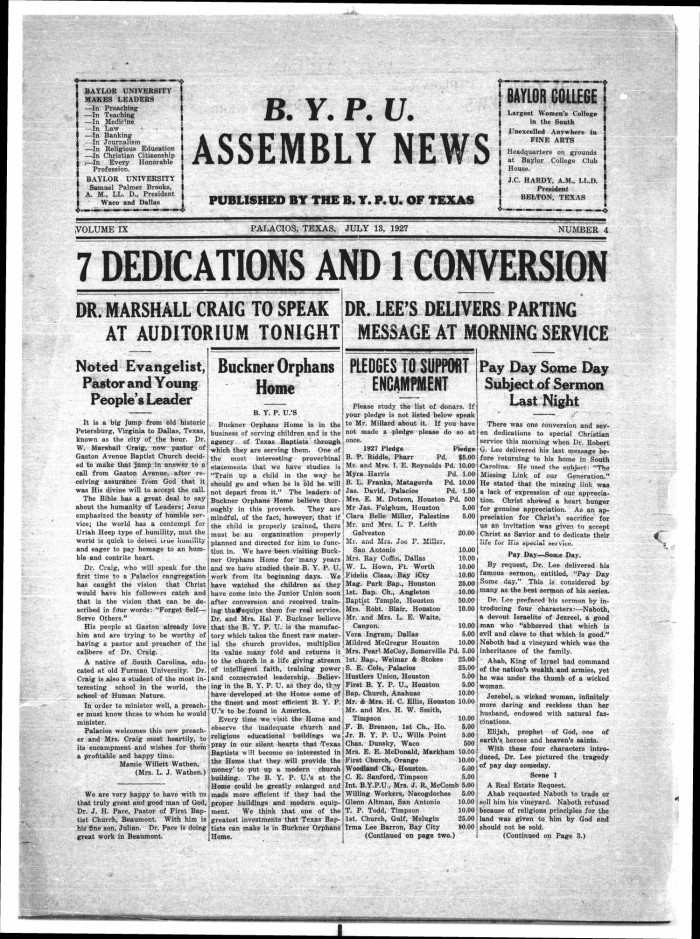
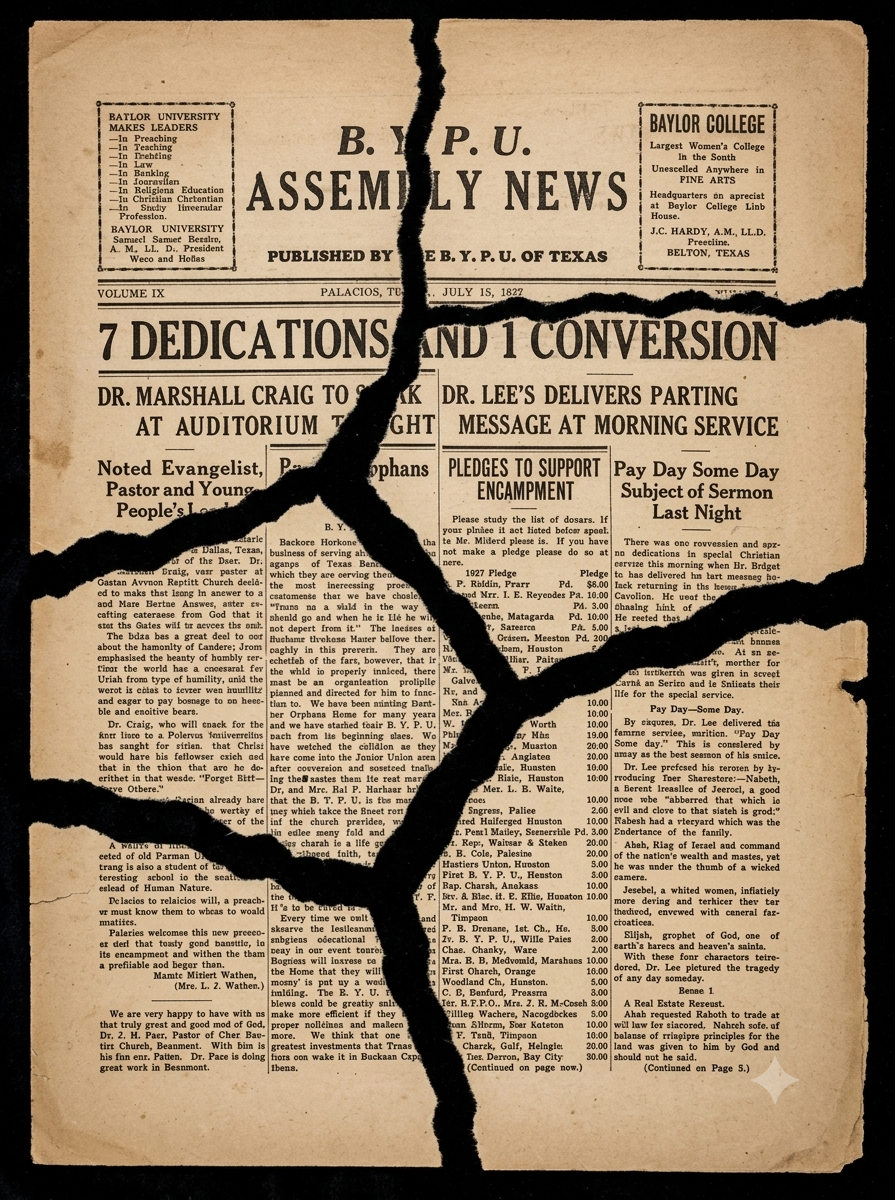
A torn, blurred 1927 newspaper page recovered to crisp, readable detail - from the evidence in the capture, with the text verified afterwards. Drag the seam.
One precious page, or a whole shelf of them. Detail Recovery & Upscaling runs the same either way — here is the damage it takes on, and the records it runs across.
and the records it runs across
Why this is harder than it looks
Print needs more pixels than a phone photograph has. Standard upscalers fill that gap by inventing plausible detail - which is fine on a landscape and catastrophic on a serial number, where plausible and correct are not the same thing.
What this handles
- Framing and exhibition prints
- Archival master copies
- Court bundles and printed exhibits
- Facsimile editions and reprints
- Large-format plan reprints
- Small text needing magnification
How detail recovery & upscaling runs
The same three moves on every job, and the third one is the part most tools skip.
Recover real detail
Detail is reconstructed from what the capture contains - sub-pixel evidence across the image - rather than generated from a model's expectations.
Hold the text
Character shapes are constrained to the strokes actually captured, so no letter or digit changes identity as resolution increases.
Verify the result
The upscaled page is read back and compared against the source reading. Any difference is reported before delivery.
What actually happens to the page
Print needs more pixels than a phone photograph has. The question is where the extra pixels come from - and the honest answer is: only from evidence.
From sub-pixel evidence, not a model's expectations
Detail is reconstructed from what the capture actually contains - sub-pixel evidence spread across the image - rather than generated from what a model expects a document like this to look like. That is the difference between recovering the page and imagining one.
- Detail from sub-pixel evidence in the capture
- No synthesis where no detail was captured
- Framing, archival and large-format output
No letter or digit changes identity as it grows
Character shapes are constrained to the strokes actually captured, so a serial number cannot quietly become a different plausible serial number as resolution increases. Plausible and correct are not the same thing, and on an exhibit or an ID that gap is the whole risk.
- Character shapes held to captured strokes
- Digits and serials cannot change identity
- Court exhibits and IDs treated as high-stakes
Read back, compared, and the original kept
The upscaled page is read back and compared against the source reading; any difference is reported before delivery. The honest limit is the capture itself - detail never photographed cannot be recovered, and you are told when that is the constraint rather than sold a softer result silently.
- Read-back comparison after every upscale
- Differences reported before anything ships
- Original-resolution file always delivered too
What upscaling can honestly reach
The limit is not the model - it is the capture. A few points keep expectations where the evidence actually is.
The capture is the limit
Detail that was never photographed cannot be recovered; when that is the constraint you are told, not handed an invented result.
Numbers stay put
Character shapes are held to the captured strokes and the whole page is read back, so serials and digits cannot drift.
Not a generative upscaler
This optimises for a correct image, not a convincing one - which sometimes means a softer result, and saying why.
Both files delivered
The original-resolution file always ships alongside the upscale, so the higher-resolution copy is never the only one.
Built to be trusted at the edges
Detail Recovery & Upscaling is one capability inside a pipeline built on a single idea: a restoration you cannot trust at the edges is a picture of one.
Everything is read back
Every restored page is read as text and compared against what was legible before, so nothing appears out of nowhere without being flagged.
The original is never lost
The untouched capture is always delivered beside the restoration - the recovery is a new version, never an overwrite.
Refusals are the product
What cannot be recovered is marked, not guessed. The guarantee is built into how the pipeline runs, not asked of a model.
It reads back as data
Fields come out checked against the document's own arithmetic, with withheld values kept in their own column - never mixed with blanks.
One sheet or a whole shelf
Per-page isolation means a single difficult document never stops the run - each page keeps its own progress, result and failure.
Free to try, no card
Free to start, no watermark, and if a document is not recoverable we would rather tell you than sell you a plan.
Where a general-purpose tool goes wrong
The same page, two philosophies. One optimises for a convincing picture; the other for a correct one - and says so when those two part ways.
What most tools do
- Invents plausible detail to fill the gap
- Lets a serial number drift to a neater one
- Optimises for a convincing picture
- Ships the upscale as the only file
What Docovly does
- Recovers detail from sub-pixel evidence only
- Holds character shapes to captured strokes
- Reads the page back and reports any change
- Delivers the original-resolution file too
What it will not do
Enforced by how the pipeline is built rather than by instructions given to a model - which is the only kind of guarantee worth writing down.
- 1Text is read back and compared after every upscale
- 2No texture is synthesised in regions with no captured detail
- 3The original resolution file is always delivered too
verified
text read back after every upscale
evidence
the only source of recovered detail
0
texture synthesised without capture
2
files delivered: upscaled and original
Consoles that use this capability
Detail Recovery & Upscaling, answered
What people ask before sending us documents to recover, verify and deliver.
Have a document you are not sure about?
Send us a photograph of it. We will tell you honestly whether it is recoverable before you spend anything.
Ask usLarge enough for framing and exhibition printing from a decent capture. The honest limit is the capture itself - detail that was never photographed cannot be recovered, and you will be told when that is the constraint.
Also in Recover & deliver
Recover it, then read it back
Whatever state it is in - faint, cramped, sealed, or a shelf of them. Free to start, no card, and the original is never overwritten.